See exactly how easy filing is
Every screen, start to finish — no sign-up needed to watch. See how a quarterly update, a VAT return or a CIS claim actually gets filed, then decide whether it looks like your kind of thing.
£3.99 to £5.99 per filing, set by your income. No subscription, no contract.
4 free credits when you sign up, and you are only charged once HMRC confirms your submission. CIS, reliefs, losses and state benefits are always free.
Getting Started
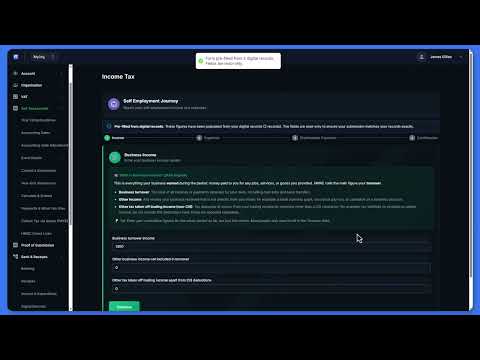
What is FileThat?
Keep digital records, file quarterly to HMRC and pay per filing — no subscription.
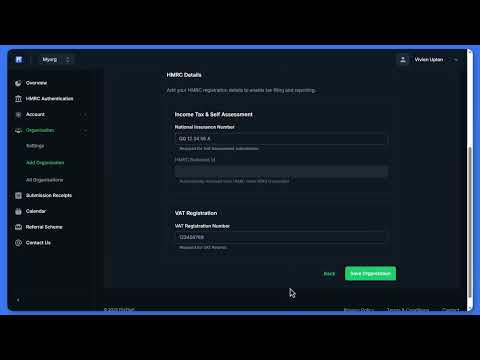
Organisation Setup
Create your organisation, add your business name, UTR and VAT number.
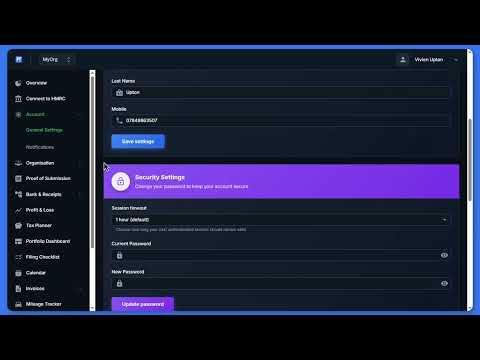
Getting Started: Set Up Your Account
Sign up, add your first organisation, configure account settings.
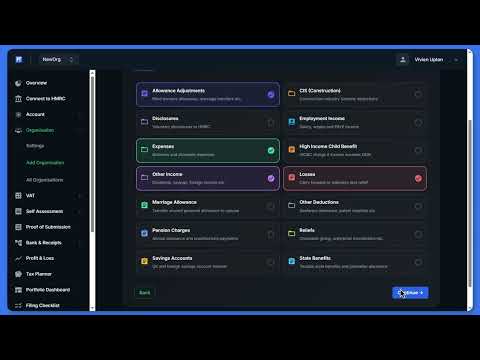
Adding and Switching Organisations
Create multiple organisations, switch between them and edit details.

Connecting to HMRC
Authorise FileThat with HMRC via MTD OAuth and confirm your connection.
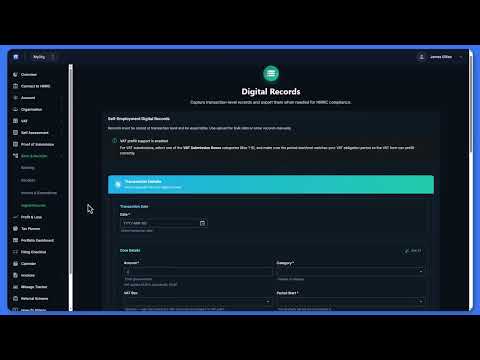
Your Weekly 5 Minutes
Snap a receipt, log a job payment, log mileage — do this weekly and your tax return files itself.
VAT

Filing a VAT Return
Step-by-step guide to submitting your VAT return directly to HMRC.
Banking & Records

Maintaining Your Digital Records
Create and keep MTD-compliant digital records so your quarterly updates are ready to file.

Bank Statements & CSV Import
Upload a bank statement, let categorisation run automatically and correct a category.
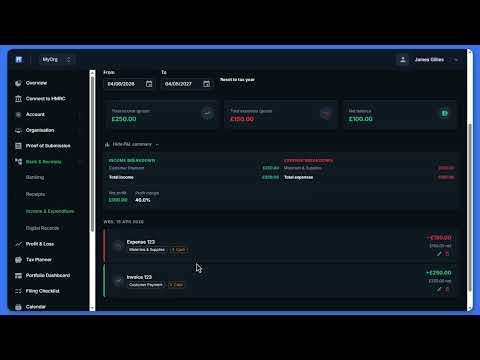
Income & Expenditure Ledger
Compliant digital record-keeping, built for people who'd rather be running their business than doing their bookkeeping.

Hand Your Books to Your Accountant
Export your Income & Expenditure ledger as a clean, concise set of accounts, ready made for your accountant.
Income Tax
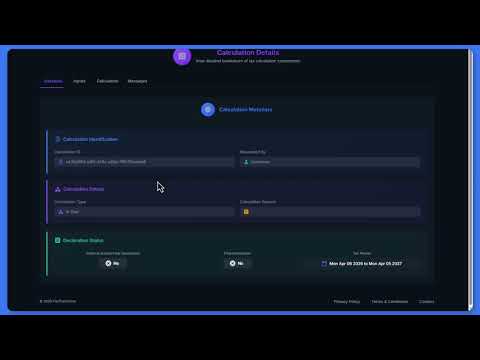
Your Self Assessment Year
The whole journey: four quarterly updates, year-end extras and your final declaration.
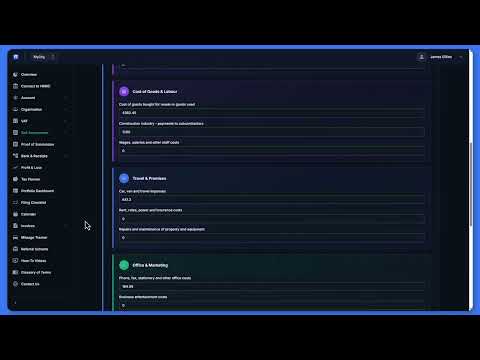
Submitting a Quarterly Update
Select your period, review figures from digital records and submit to HMRC.
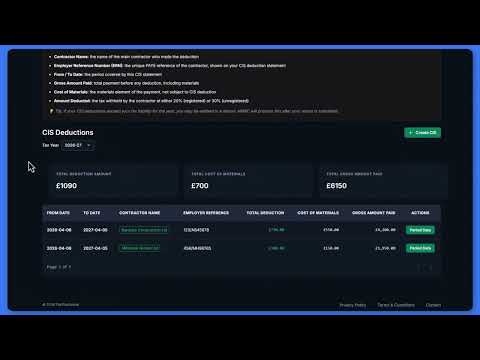
CIS: Getting Your Deductions Back
For subcontractors: enter contractor entries and deductions, and see your refund in the tax calculation.
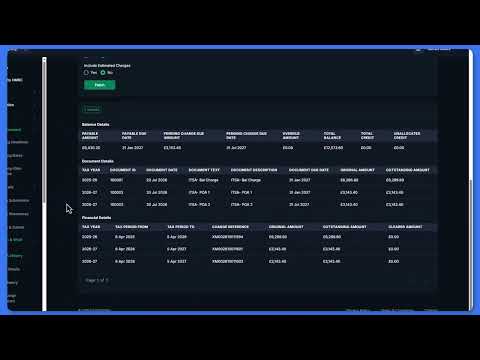
Paying HMRC & What You Owe
See your tax liability, what you owe and when each payment is due.
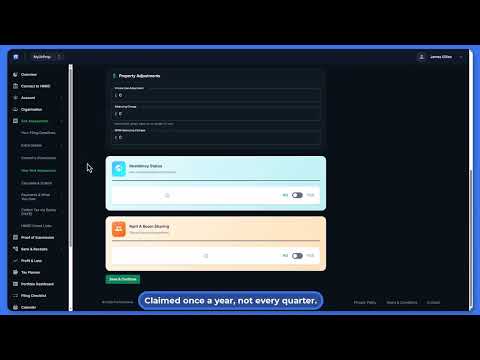
Year-End Extras
The Extra Details sections and Year-End Allowances, and why most people need few or none of them.
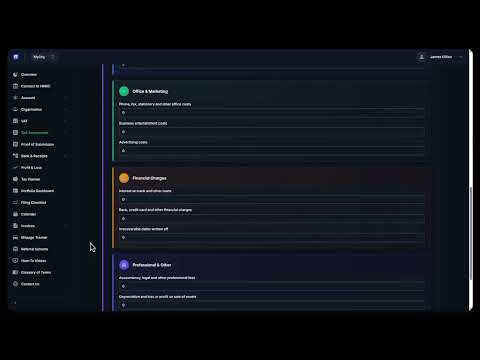
Nothing to Report This Quarter
Nil updates: you still file for the quarter, and here is how to do it.
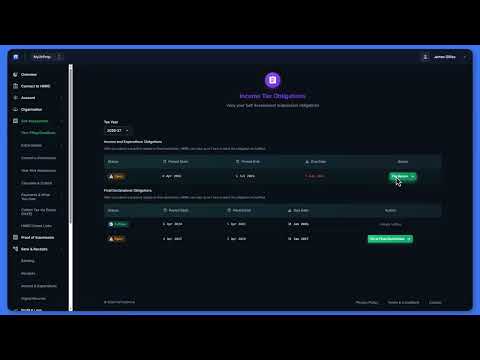
Landlords: Your Quarterly Property Update
For rental income: log the rent and costs as they happen, then review and submit the quarter.
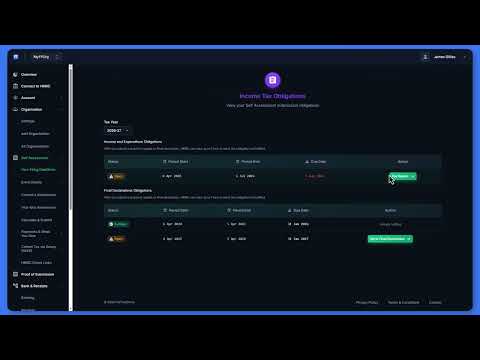
Landlords: Foreign Property Quarterly
For overseas rental income: log the rent and costs, then review and submit the foreign property quarter.

Amending After You've Declared
Reopen a declared tax year and make changes while the HMRC amendment window is still open.
Tools
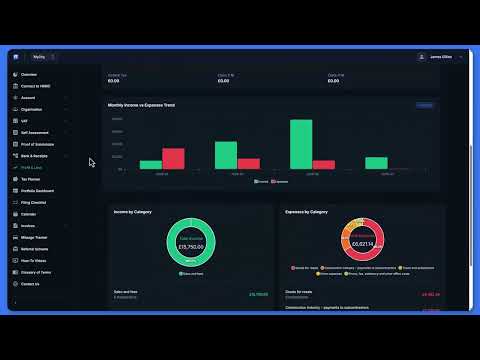
Your Dashboards
Review the Profit & Loss dashboard and filter by date range, then see all your income sources and properties in the consolidated Portfolio overview.
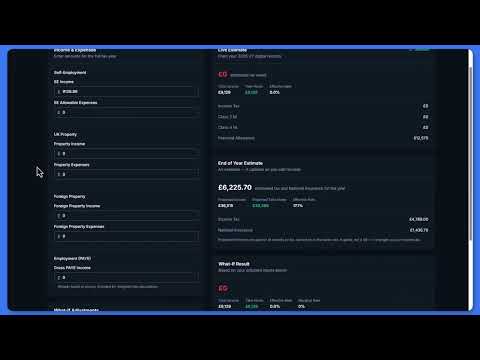
Tax Planner
Estimate your tax liability and model what-if scenarios for the year ahead.
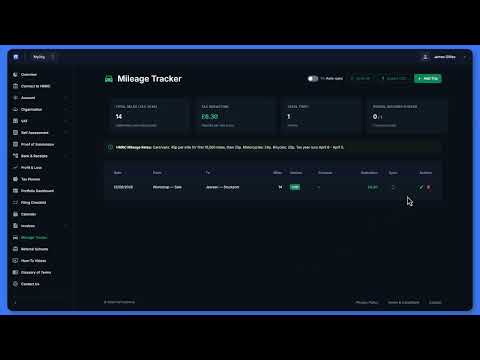
Mileage Tracking
Log business journeys, set your business/personal split and view summaries.
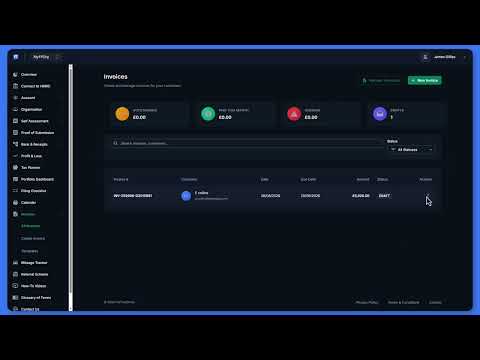
Creating and Sending an Invoice
Create an invoice with line items and tax, send it by email, and turn it into a digital record when it is paid.
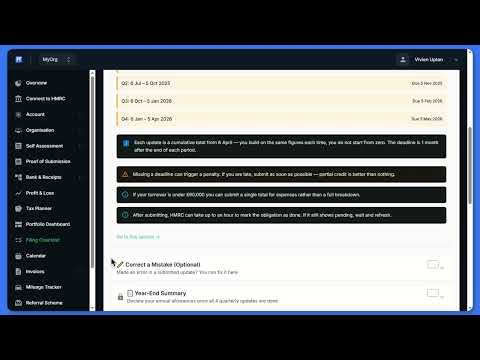
Compliance Checklist
Track your filing obligations, tick off completed tasks and check status.
Ready to try it yourself?
Sign up free and file your first return with the credits included.
Get MTD-ready free →